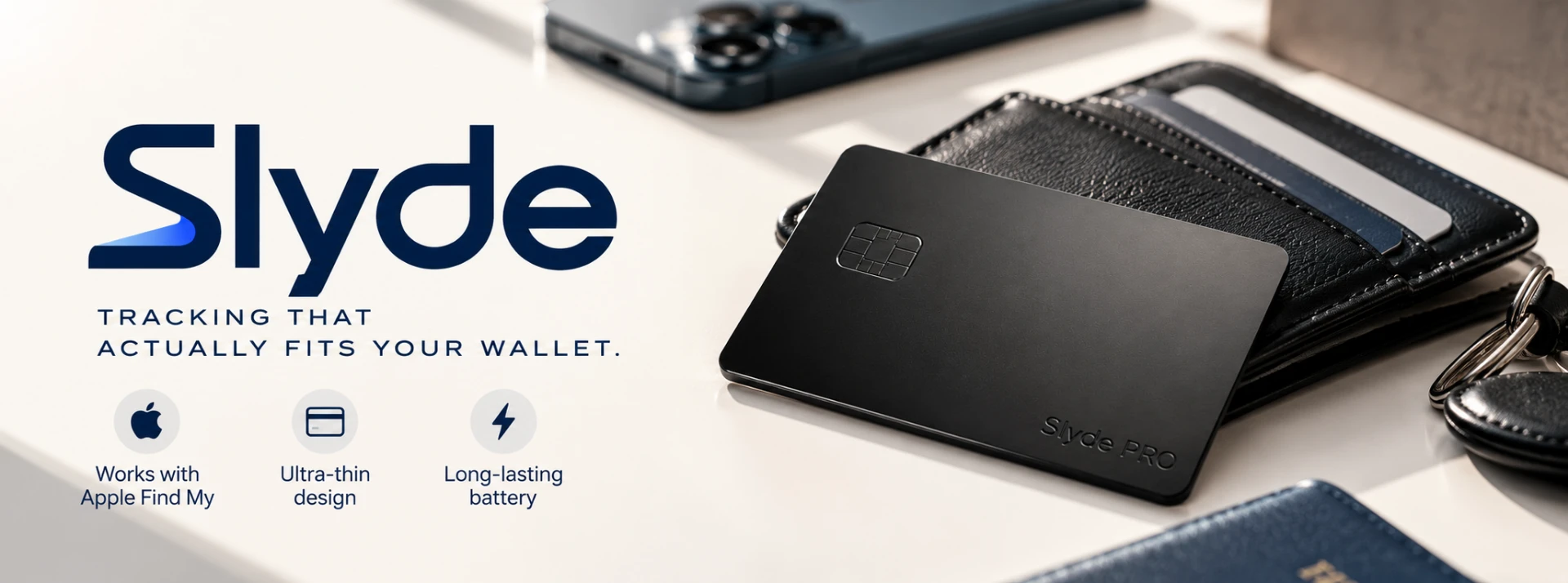
The lineup
Three ways to never lose it.
Start with the tracker card, upgrade to the titanium PRO, and keep it topped up with the Slyde charger.

Slyde Tracker Card
The ultra-slim Bluetooth tracking card that slides into your wallet, passport, or laptop sleeve. Works with Apple's Find My network — locate your card from hundreds of millions of Apple devices worldwide, all while keeping your data end-to-end encrypted. 1.9 mm thin — same footprint as a credit card Find My compatible (no app required for iPhone users) Wireless recharge every 5 months — no batteries to replace IP68 waterproof & drop-resistant Precision ring + sound to locate at short range

Slyde PRO
The credit-card look, the tracker card feel. Slyde PRO wears a matte titanium finish with a subtle chip cutout so it disappears in a card slot next to your Amex. Works with Apple Find My. 1.9 mm thin, IP68, rechargeable, end-to-end encrypted.

Slyde Wireless Charger
The dock built for Slyde. A compact Qi pad that fully charges a Slyde in about two hours. Non-slip matte silicone, USB-C in, quiet LED status ring.
How it works
Lose your wallet. Not your mind.
Slyde works with Apple Find My, so finding your wallet is as familiar as finding your other Find My items.
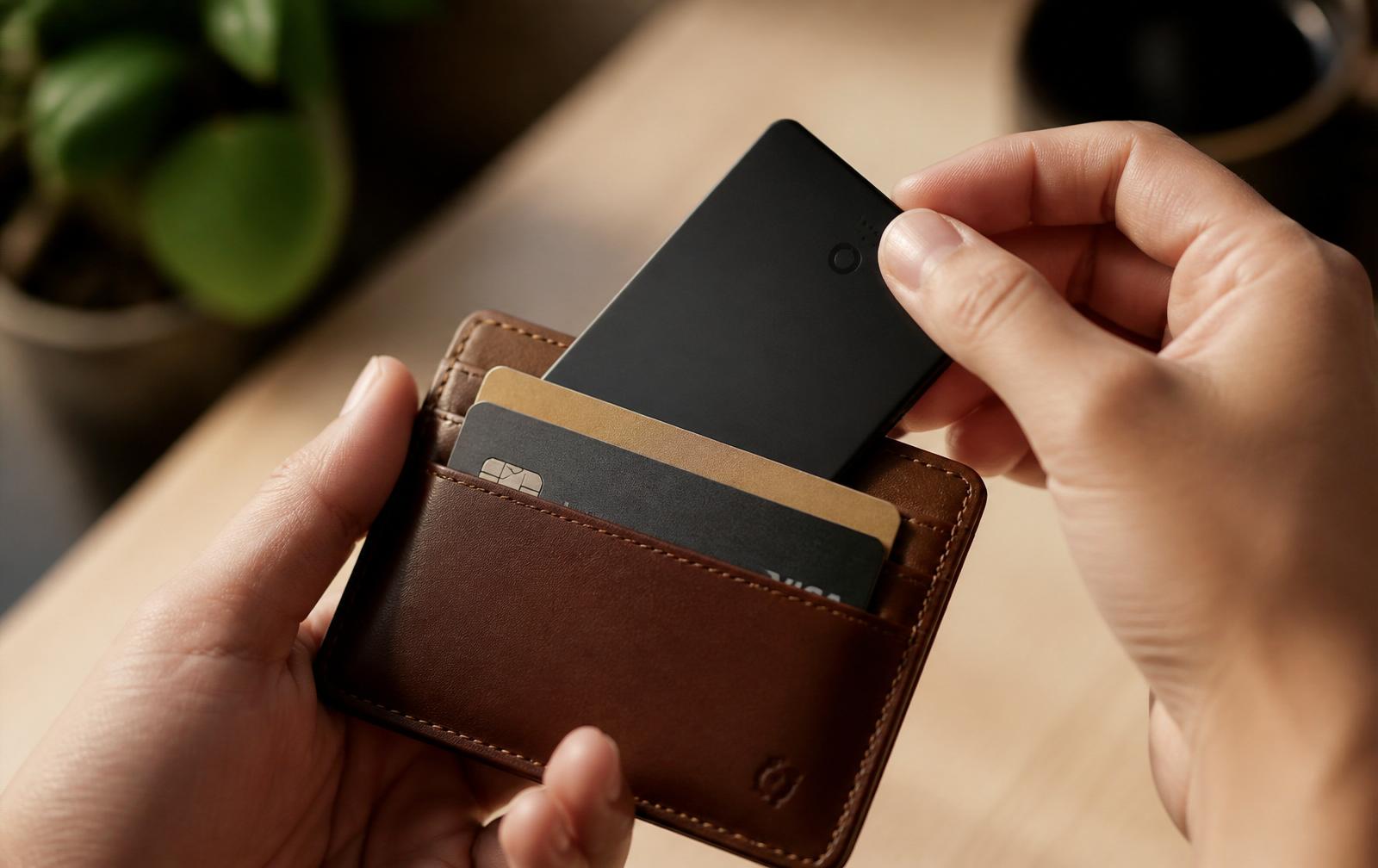
1 — Slide it in
Slyde lives in your wallet without the bulk of a traditional tracker.
2 — Open Find My
Slyde shows up in the Find My app you already have on your iPhone.
3 — Find your wallet
Can't find your wallet? Open Find My and locate your Slyde.
- No extra app
- No subscription
- Rechargeable
Apple and Find My are trademarks of Apple Inc. Slyde is not made by or affiliated with Apple.
Engineered to disappear.
Every millimeter matters when you carry it every day. Slyde was designed to feel like part of your wallet — until you need it.
Wallet-thin
1.9 mm and credit-card sized. It disappears where you already carry things.
Apple Find My
Precisely locate Slyde on the Find My map, powered by the world's largest device network.
Rechargeable
Up to 5 months per charge — no disposable batteries to swap.
IP68 waterproof
Rain, spills, a dropped-in-the-sink moment. It keeps working.
End-to-end encrypted
Only you can see where your Slyde is. Not us. Not anyone else.
Short-range ring
Precision sound and directional ping when you're within Bluetooth range.
Everyday carry
It lives in the places AirTags can't.
AirTags are chunky. Keychains fall off. Slyde slips into the card slot you already use — the one you check every time you leave the house.
Passport pouch, laptop sleeve, tablet folio, back-pocket wallet. If it holds a card, it holds Slyde.
How to setup
Follow these simple steps to connect your Slyde Card.
- 1Find My
Step 1
Open the “Find My” app
- 2ItemsAdd Item
Step 2
Tap “Add Item”
- 3
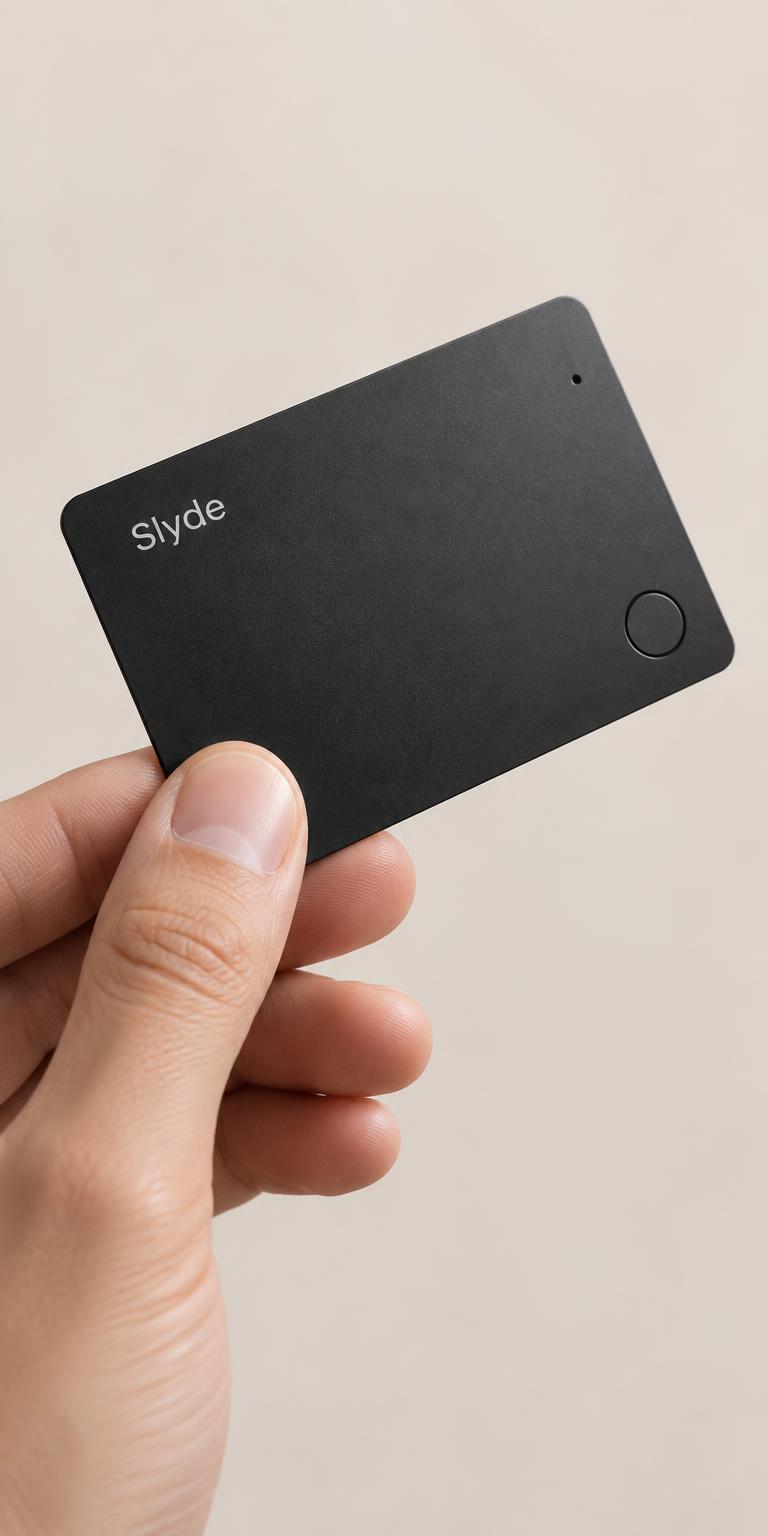
Step 3
Press the button on your Slyde Card
- 4Add AirTagOther Supported Item
Step 4
Tap “Other Supported Item”
- 5This Item Is Linked
to Your Apple IDAgreeStep 5
Follow the instructions to connect Slyde to your Apple ID
Swipe to see the next step →
Loved by people who hate losing things.
Real peace of mind, right in your wallet.
“I genuinely forget it’s in my wallet.”
Super thin, easy to set up, and Find My works exactly how I hoped. It gives me a little extra peace of mind when I’m travelling.
“Finally a tracker that actually fits in my wallet.”
I wanted something like an AirTag without the bulky shape. Slyde is basically the size of a normal card and doesn’t make my wallet feel thicker.
“Setup took less than a minute.”
I connected my Slyde Card to Find My really quickly. The design feels premium and I love that I don’t need another app just to keep track of it.
“Bought one for my husband, then ordered one for myself.”
He constantly misplaces his wallet, so this was originally a gift for him. After seeing how simple it was to use, I ended up getting another one for myself.
“Exactly what I was looking for.”
I travel quite a lot and losing my wallet abroad has always been one of those things I worry about. Having Slyde in there makes me feel much more comfortable.
“You barely notice it’s there.”
The thing that surprised me most was how slim it is. I’ve had other trackers that were just too bulky for a wallet. Slyde actually feels like it belongs there.
Questions, answered.
- How does Slyde find things?
- Slyde uses Apple's Find My network. Any nearby Apple device (iPhone, iPad, Mac) can anonymously and securely relay your Slyde's location back to you.
- Do I need an app?
- No. Slyde appears in the Find My app that's already on your iPhone. No new app to install, no extra account to create.
- How long does the battery last?
- Up to 5 months per charge. Slyde recharges wirelessly on any Qi pad in about 2 hours.
- What does shipping cost?
- Free worldwide shipping on orders of $50 or more. Otherwise, standard worldwide shipping is $4.90. Orders are processed within 1–3 business days. Estimated delivery times are shown at checkout.
- Does it work with Android?
- Slyde is designed for Apple's Find My network. Android support is on our roadmap.